Supported Blocks
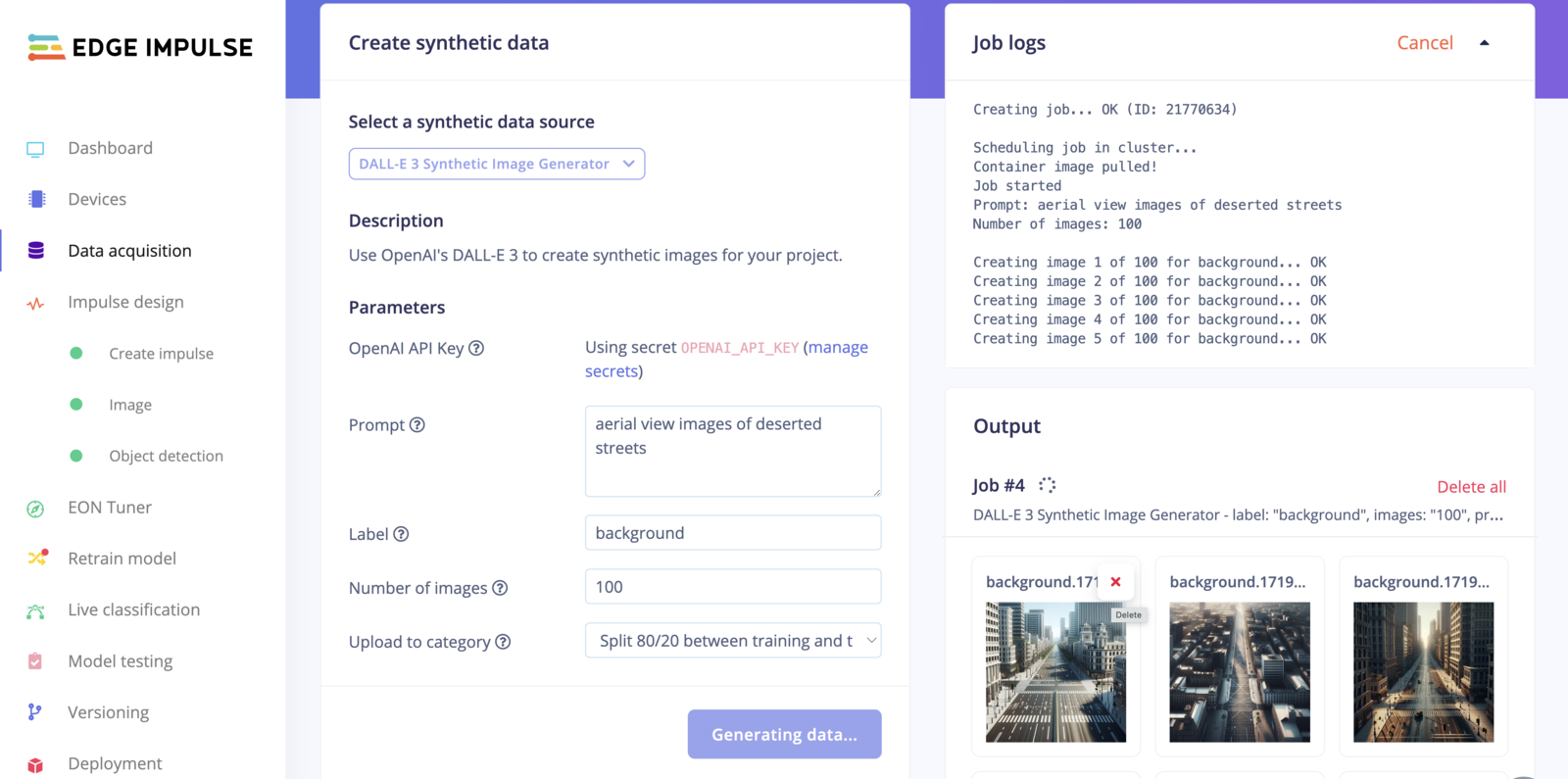
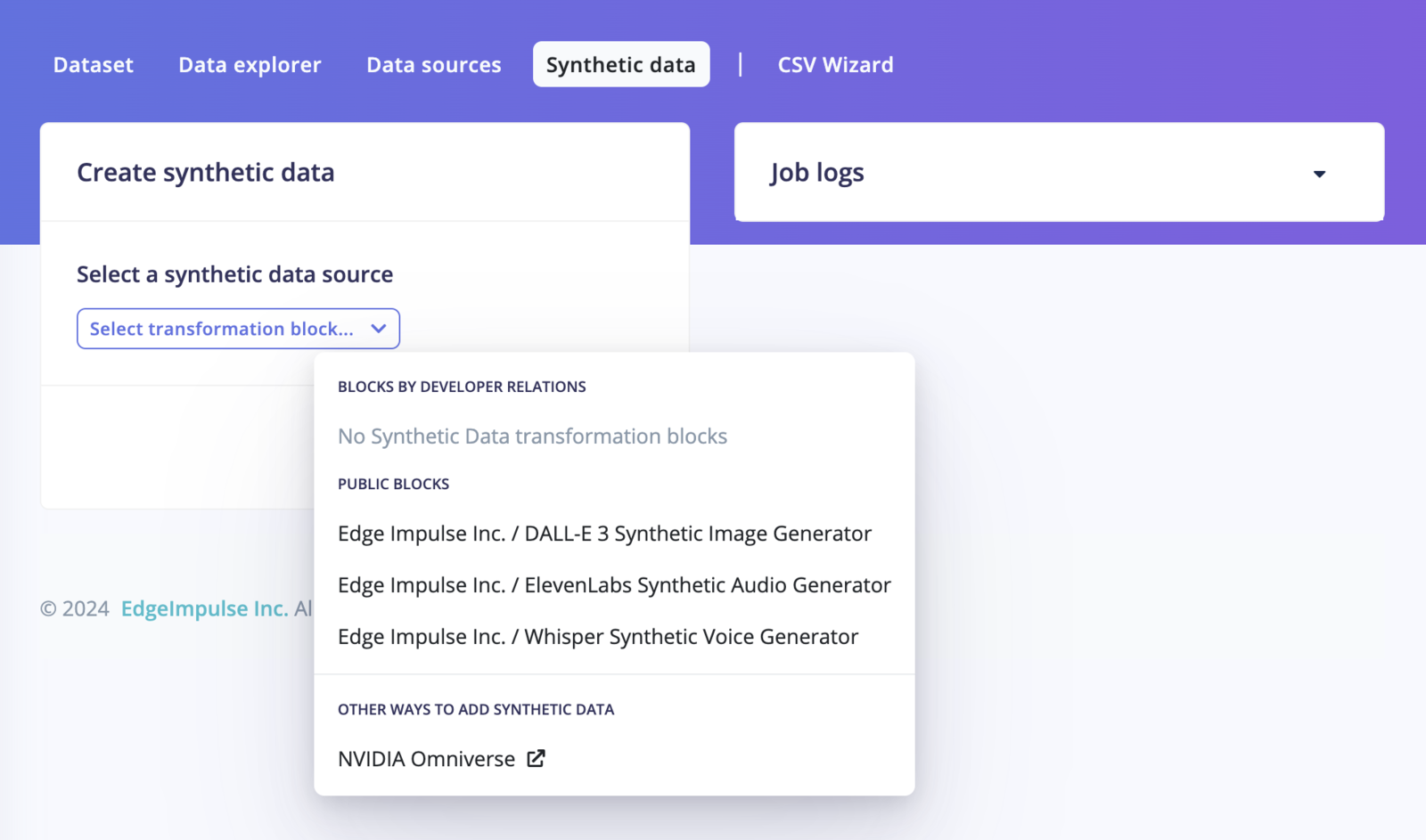
- DALL-E Image Generation Block: Generate image datasets using Dall·E using the DALL-E model.
- Whisper Keyword Spotting Generation Block: Generate keyword-spotting datasets using the Whisper model. Ideal for keyword spotting and speech recognition applications.
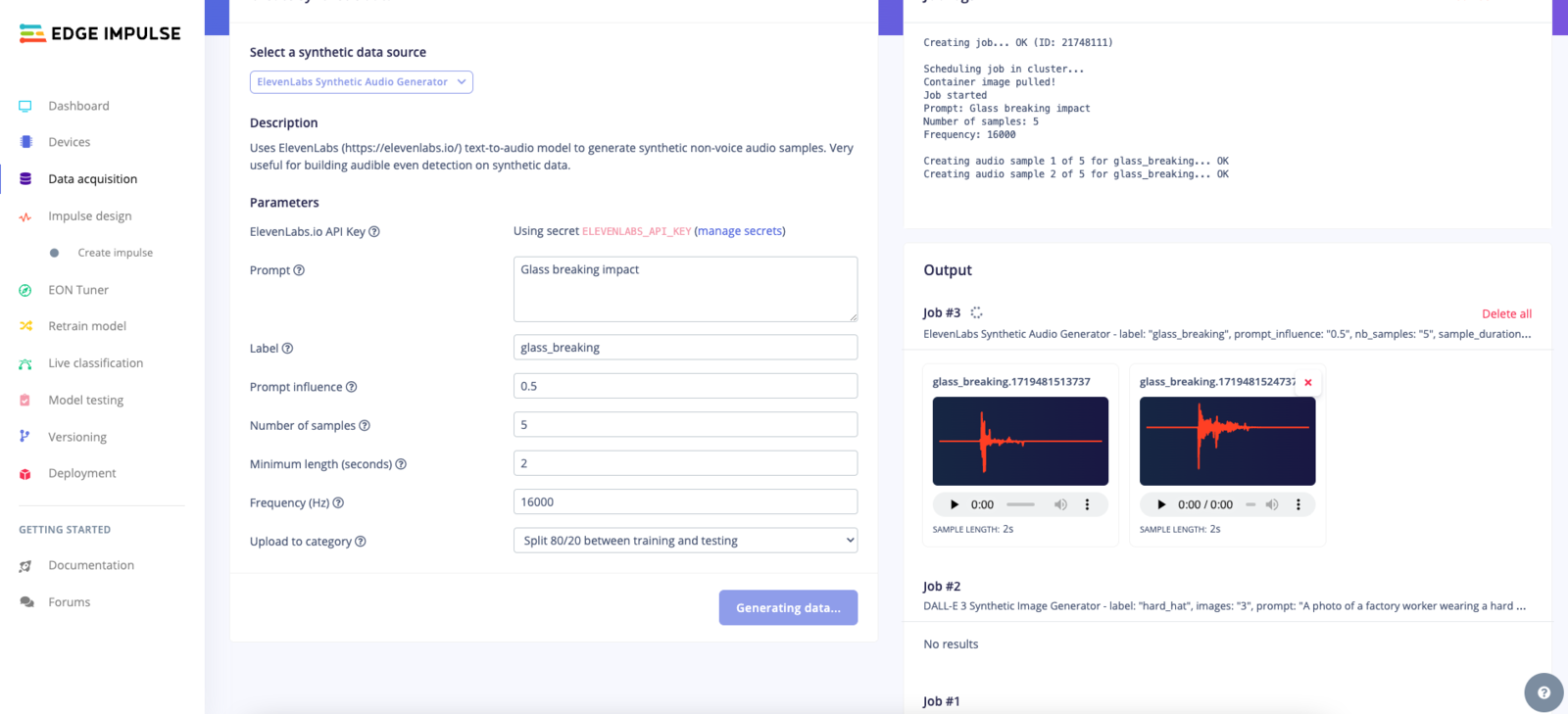
- Eleven Labs Sound Generation Block: Generate sound datasets using the Eleven Labs model. Ideal for generating realistic sound effects for various applications.
Benefits of Synthetic data management
- Enhance Your Datasets: Easily augment your datasets with high-quality synthetic data.
- Improve Model Accuracy: Synthetic data can help fill gaps in your dataset, leading to better model performance.
- Save Time and Resources: Quickly generate the data you need without the hassle of manual data collection.
Accessing the Synthetic data
To access the Synthetic data, follow these steps:- Navigate to Your Project: Open your project in Edge Impulse Studio.
- Open Synthetic data Tab: Click on the “Synthetic Data” tab in the left-hand menu.
Generating Synthetic Images with GPT-4 (DALL-E)
- Create Realistic Images: Use DALL-E to generate realistic images for your datasets.
- Customize Prompts: Tailor the prompts to generate specific types of images suited to your project needs.
- Select Image Generation: Choose the GPT-4 (DALL-E) option.
- Enter a Prompt: Describe the type of images you need (e.g., “A photo of a factory worker wearing a hard hat”, or some background data for object detection (of cars) “aerial view images of deserted streets”).
- Generate and Save: Click “Generate” to create the images. Review and save the generated images to your dataset.
Generating Human Speech with Whisper
- Human-like Speech Data: Utilize Whisper to generate human-like speech data.
- Versatile Applications: Ideal for voice recognition, command-and-control systems, or any application requiring natural language processing.
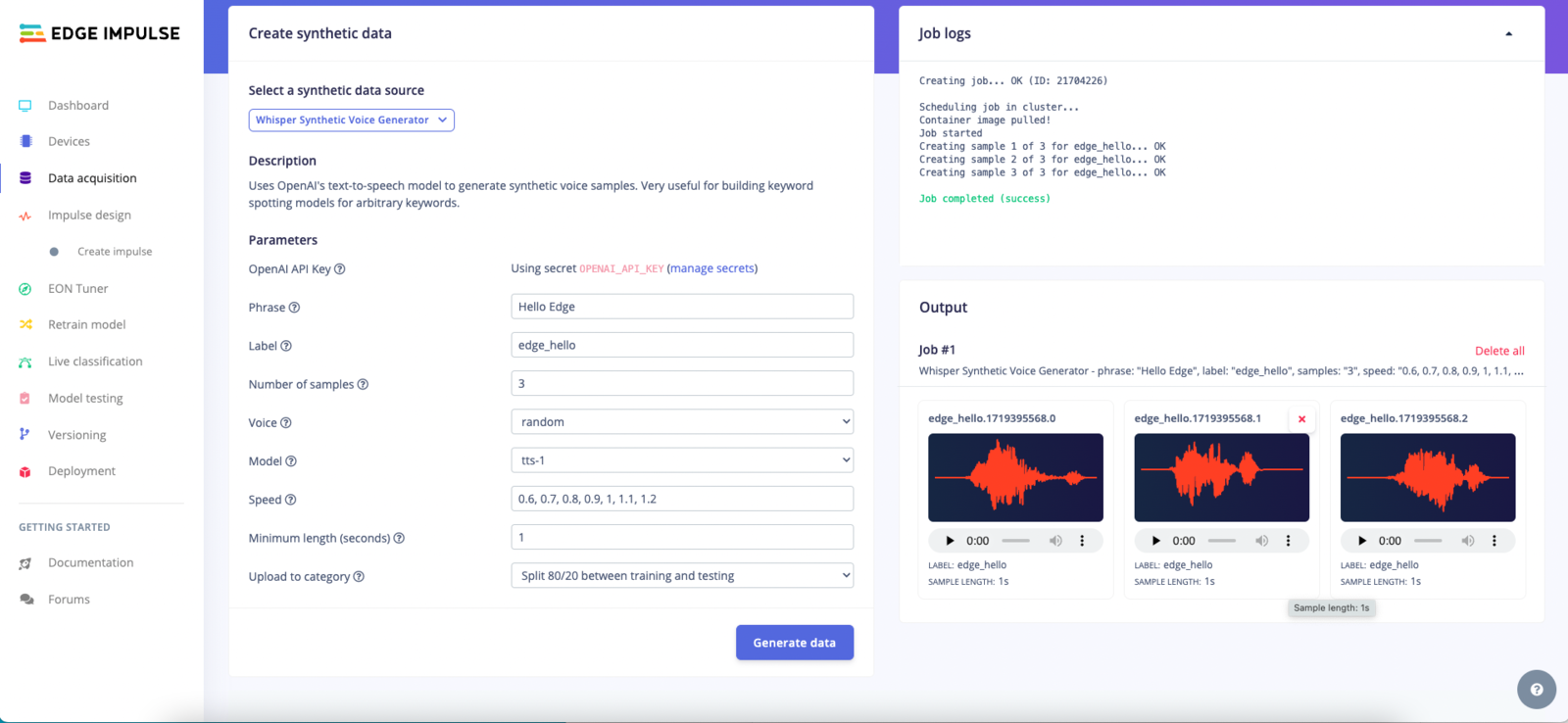
- Select Speech Generation: Choose the Whisper option.
- Enter Text: Provide the text you want to be converted into speech (e.g., “Hello Edge!”).
- Generate and Save: Click “Generate” to create the speech data. Review and save the generated audio files.
Eleven Labs Sound Effects models
- Realistic Sound Effects: Use Eleven Labs to generate realistic sound effects for your projects.
- Customize Sound Prompts: Define the type of sound you need (e.g., “Glass breaking” or “Car engine revving”).