Only available on the Enterprise planThis feature is only available on the Enterprise plan. Review our plans and pricing or sign up for our free expert-led trial today.
Setting up your dashboard
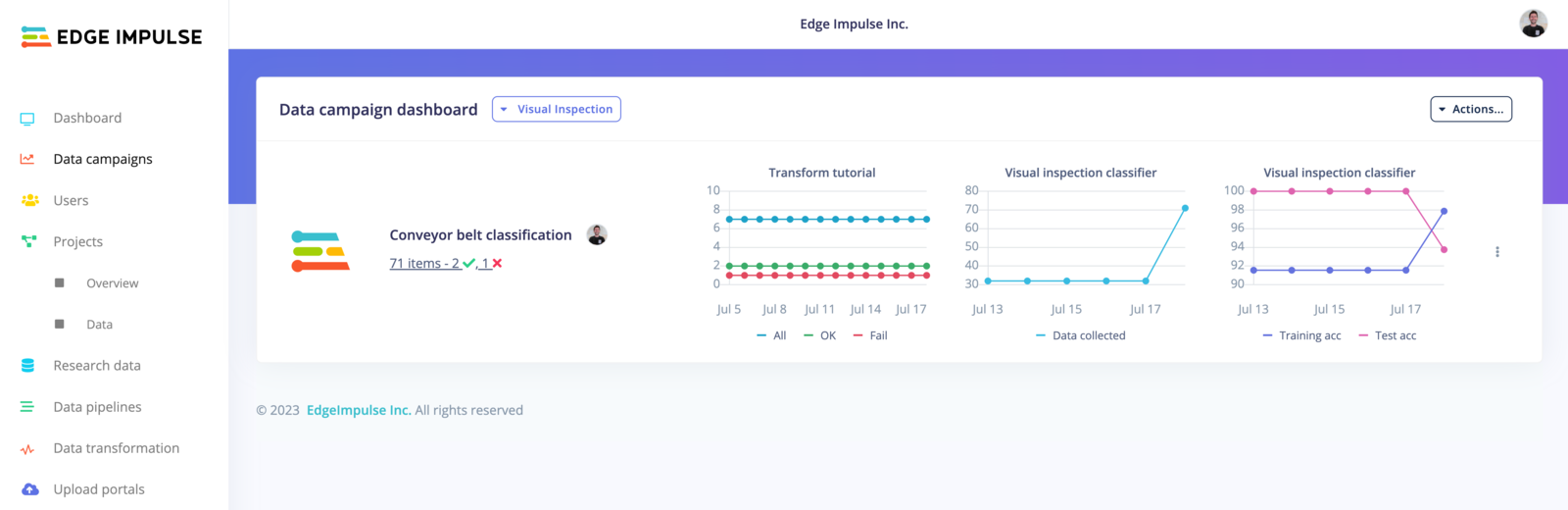
To get started, navigate to the Data campaigns tab in your organization: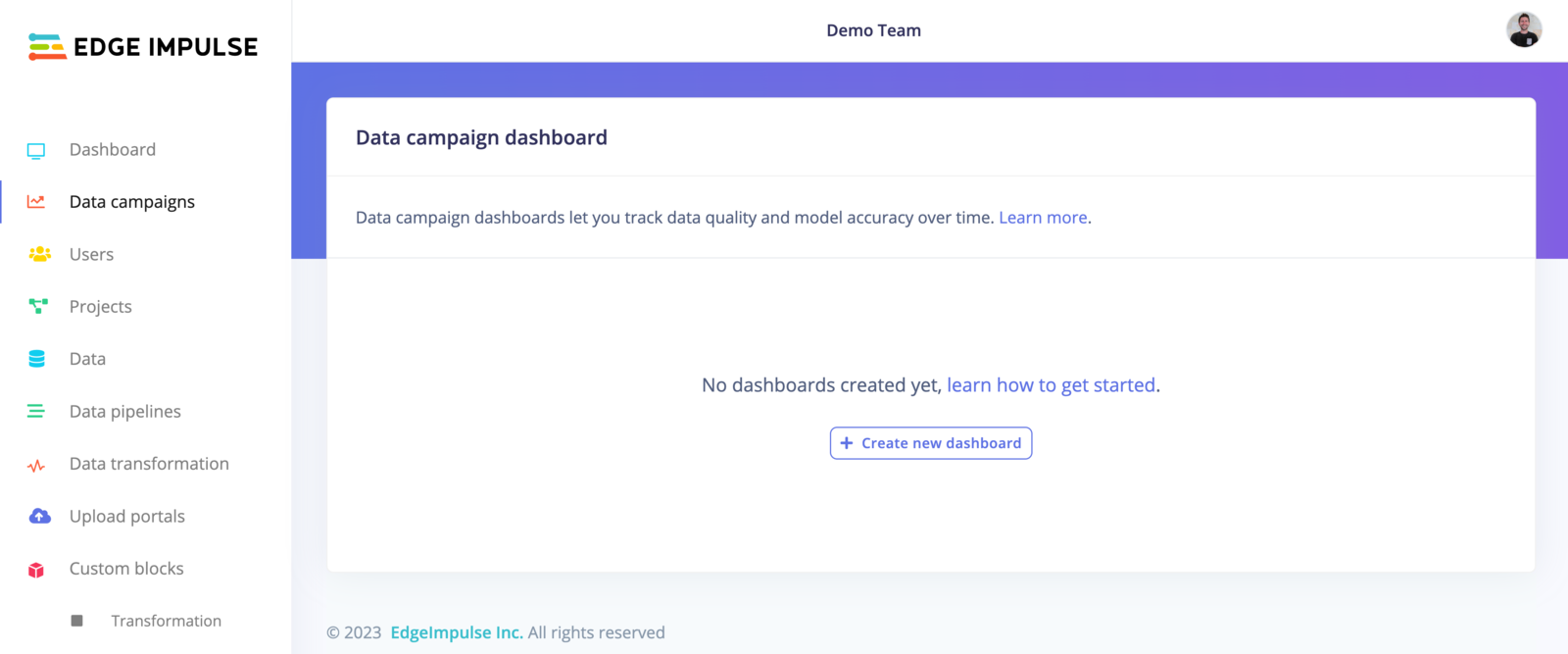
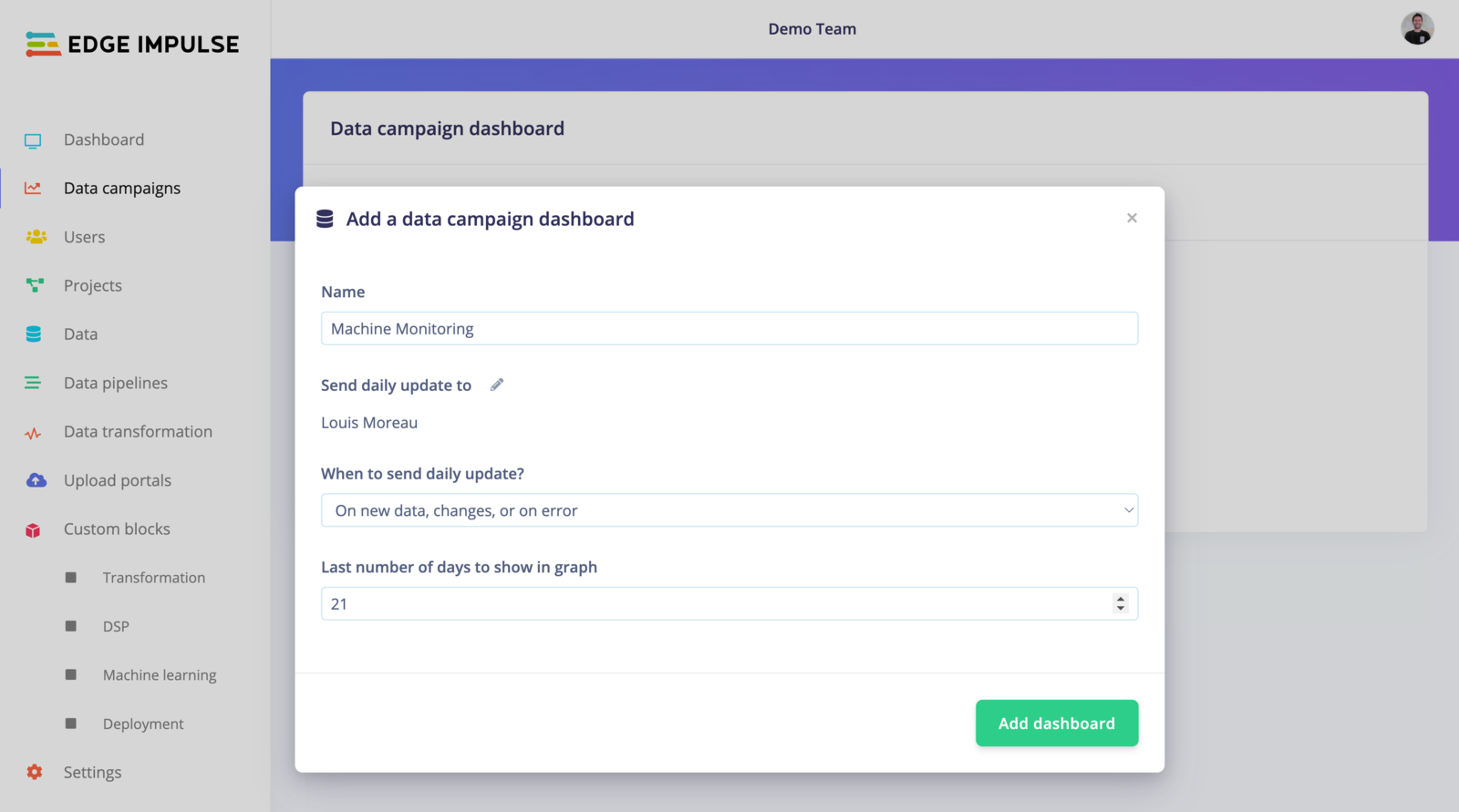
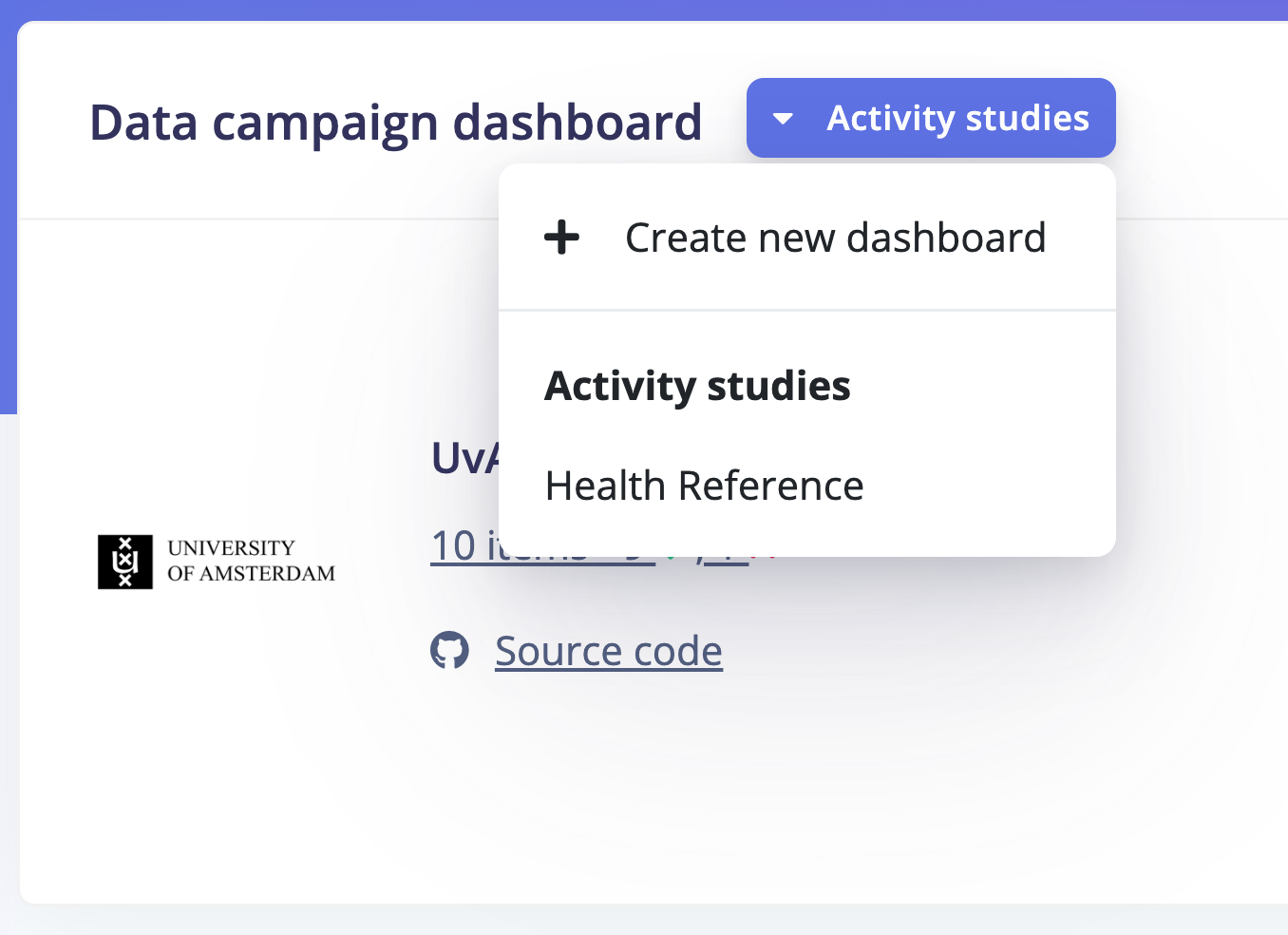
Setting up your campaign
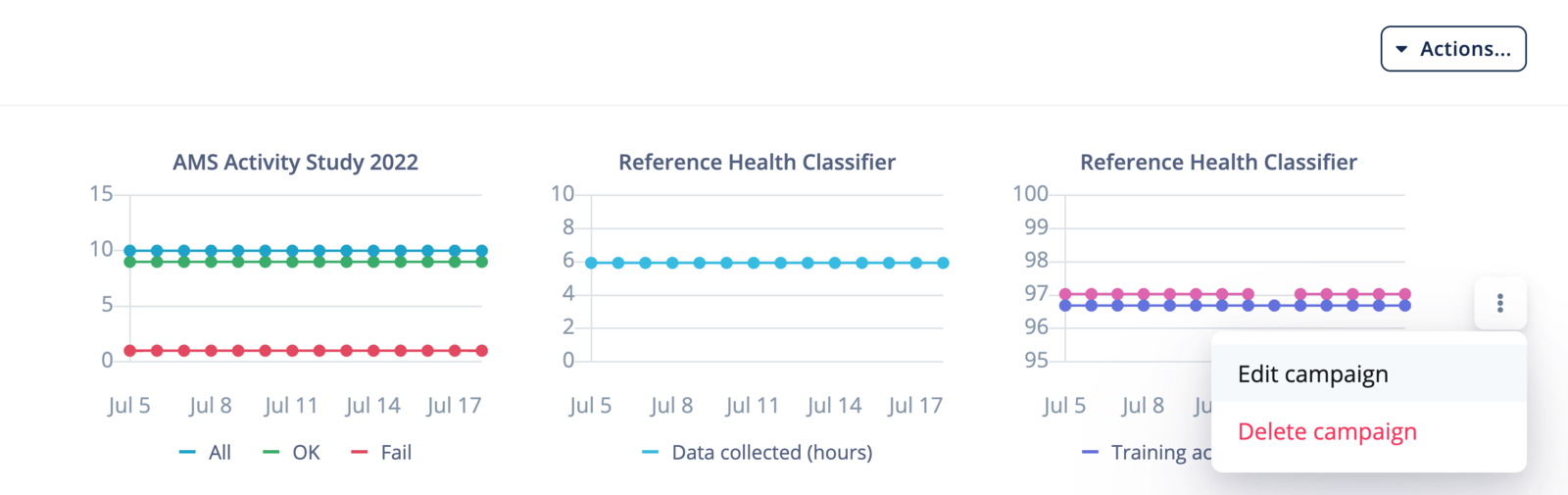
Once your dashboard is created, you can add your custom campaigns. It’s where you will specify which metrics are important to you and your use case. Click on Actions… -> Add campaign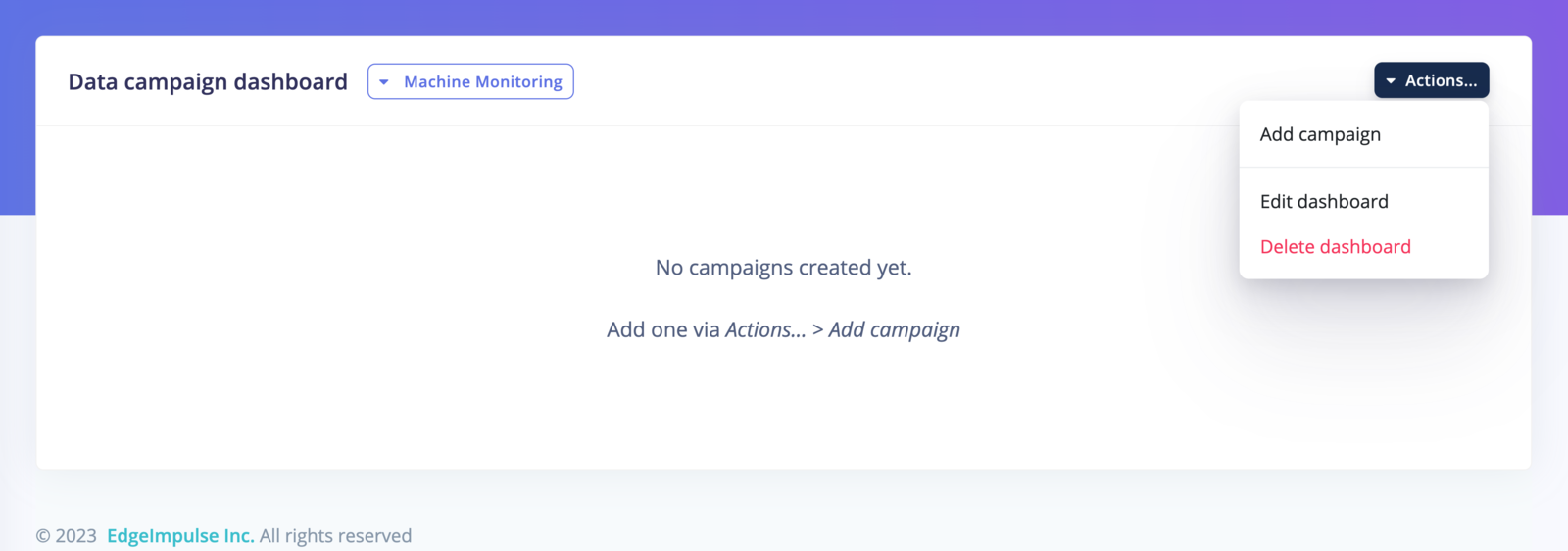
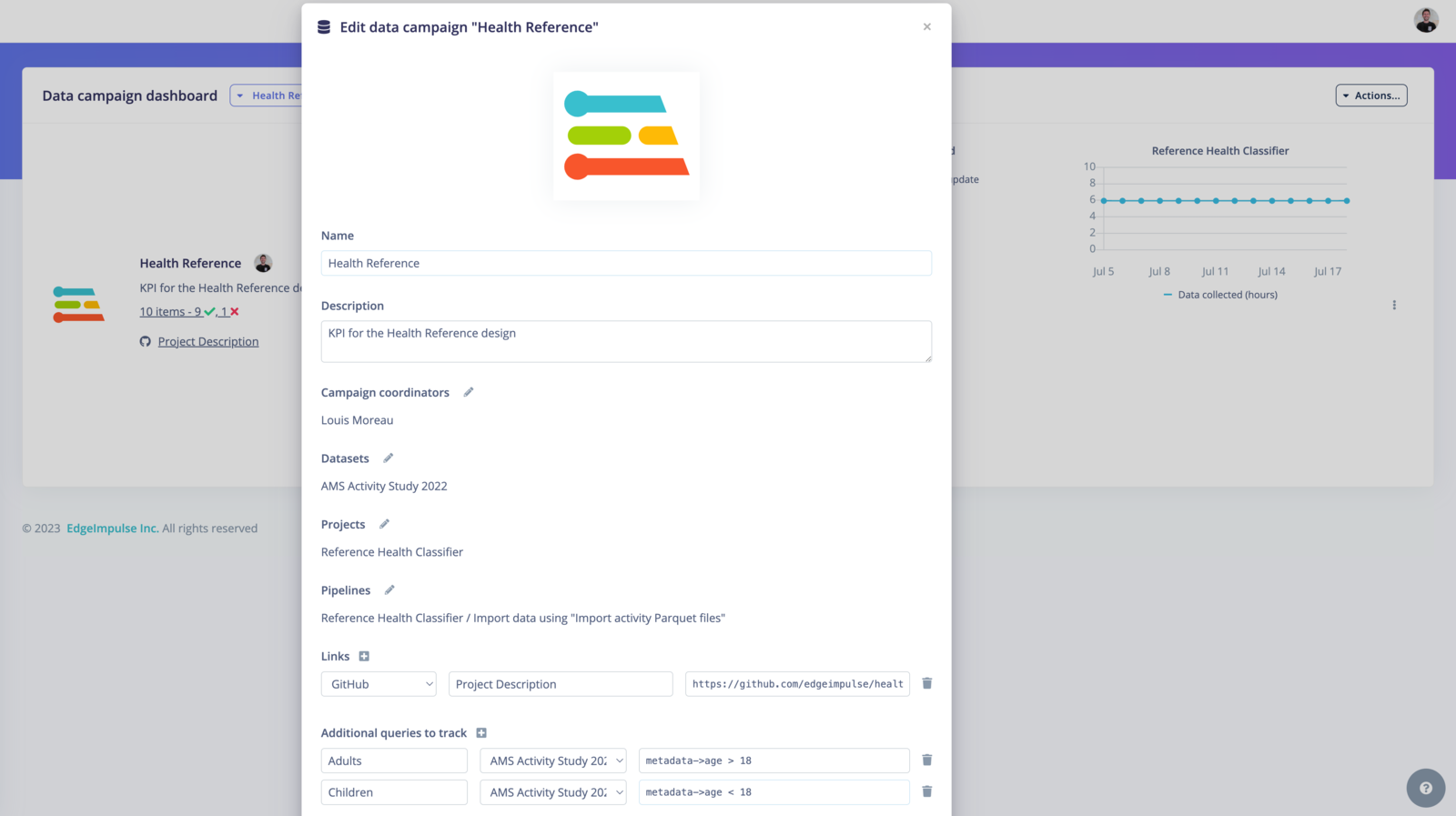
metadata->age >= 18` will return the data samples from adult patients.
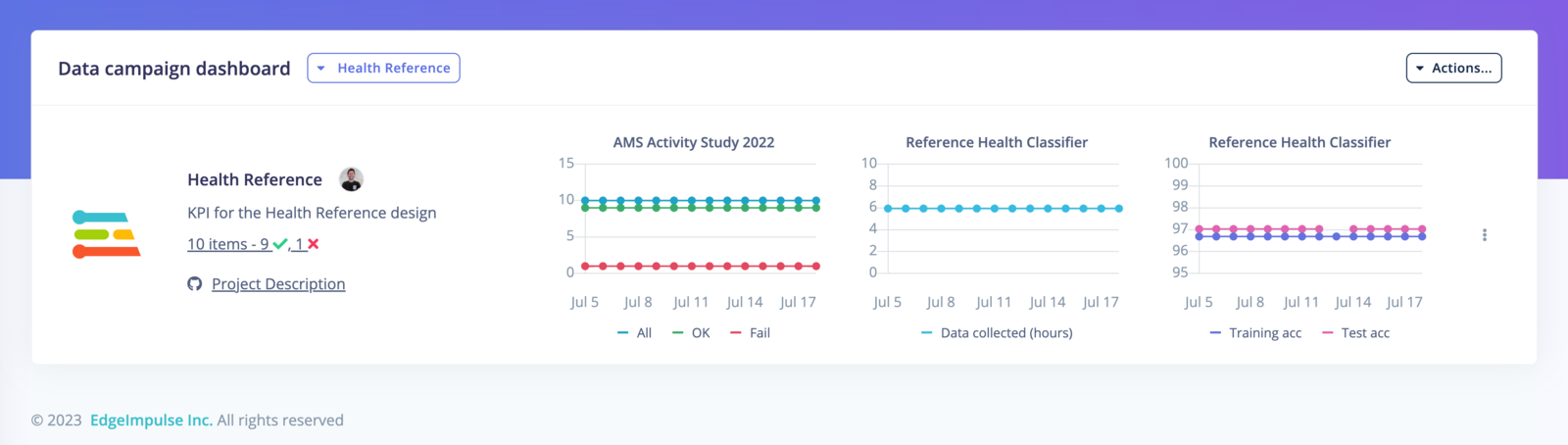
You can then save your data campaign and it will be added to your dashboard: