
Only available on the Enterprise planThis feature is only available on the Enterprise plan. Review our plans and pricing or sign up for our free expert-led trial today.
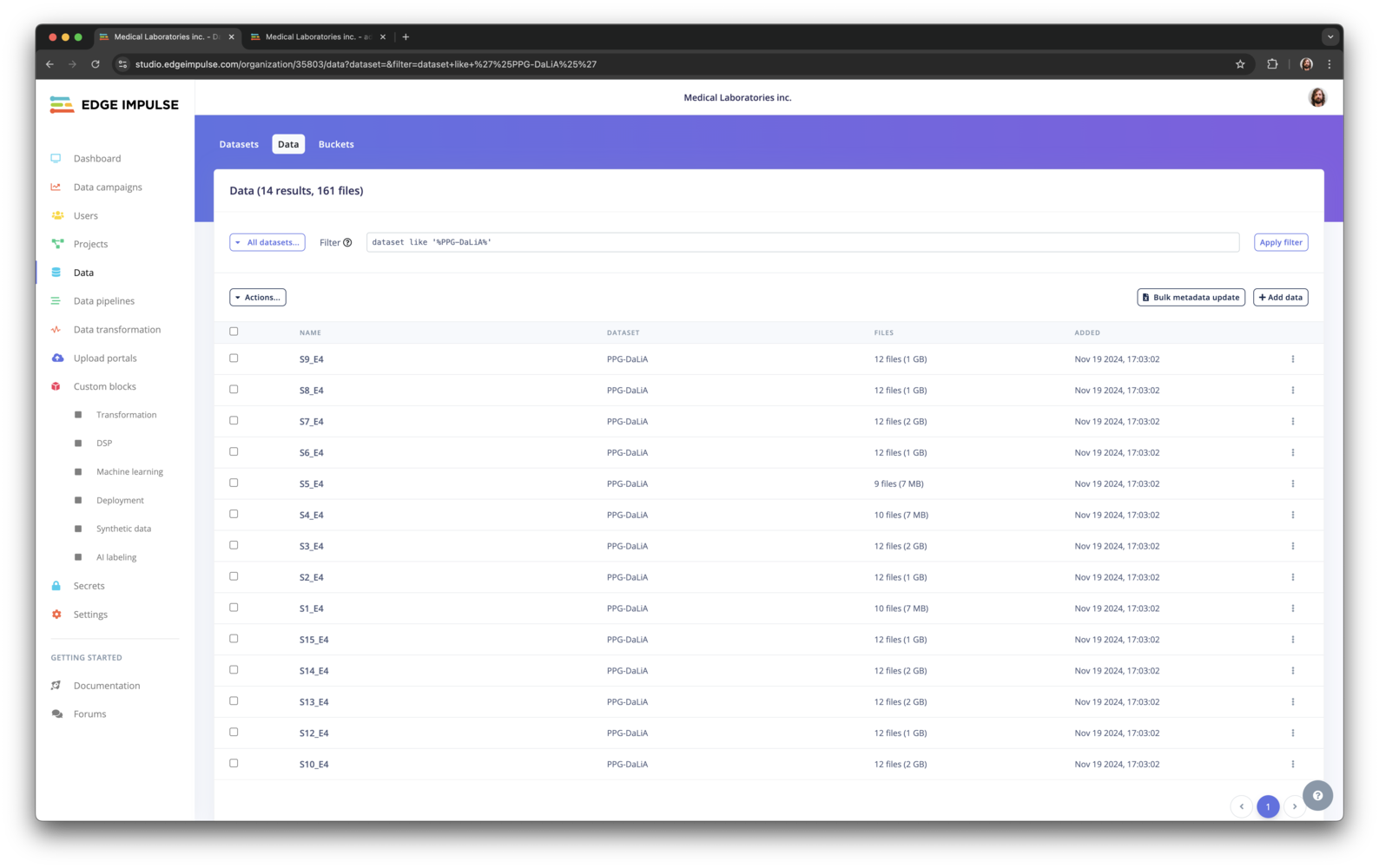
dataset like '%PPG%'- returns all items and files from the study.bucket_name = 'edge-impulse-health-reference-design' AND -- labels sitting,walking- returns data whose label is ‘sitting’ and ‘walking, and that is stored in the ‘edge-impulse-health-reference-design’ bucket.metadata->>'ei_check' = 0- return data that have a metadata field ‘ei_check’ which is ‘0’.created > DATE('2022-08-01')- returns all data that was created after Aug 1, 2022.
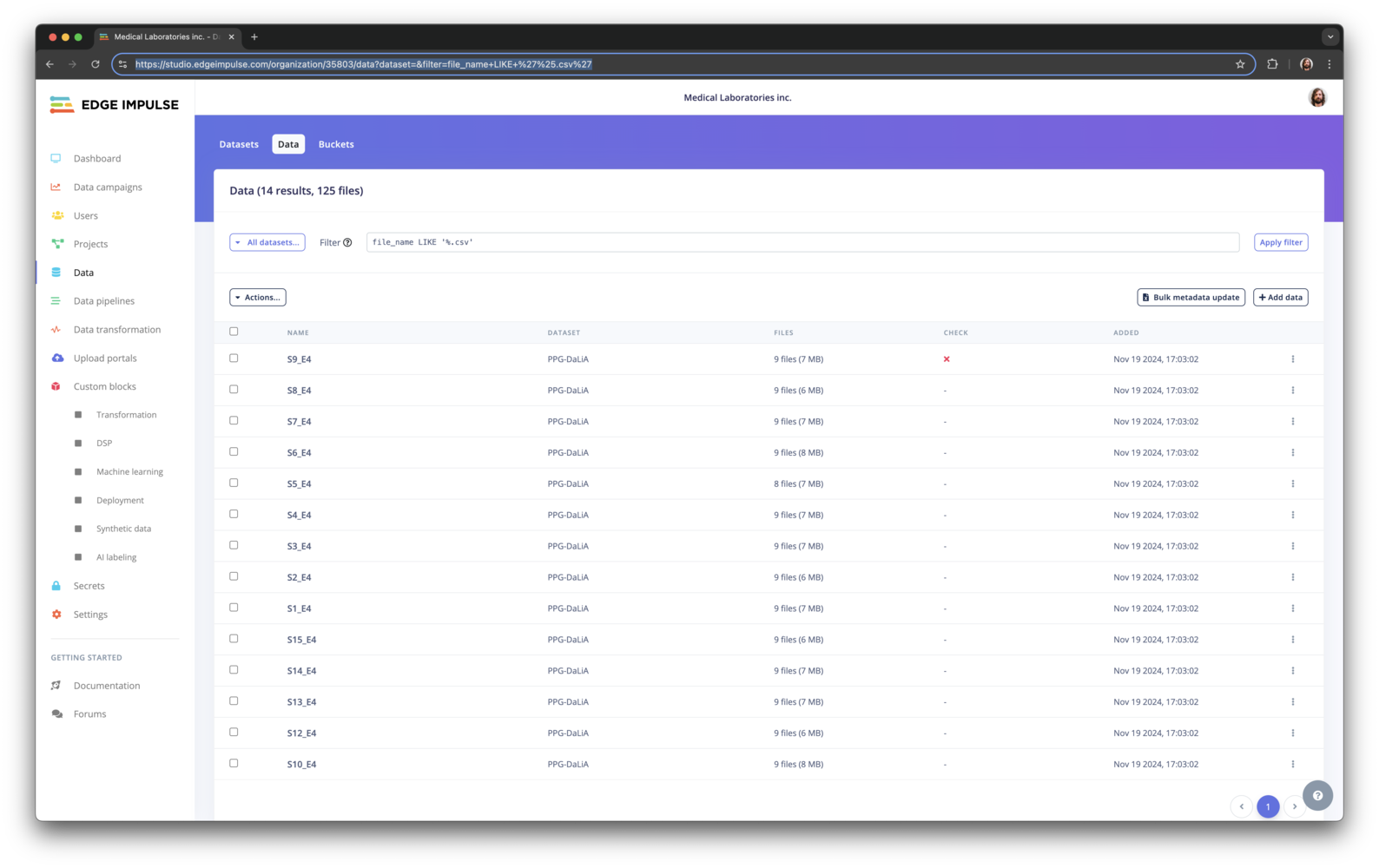
file_name LIKE '%.png'- returns all files that end with.png.
All available fields
These are all the available fields in the query interface:dataset- Dataset.bucket_id- Bucket ID.bucket_name- Bucket name.bucket_path- Path of the data item within the bucket.id- Data item ID.name- Data item name.total_file_count- Number of files for the data item.total_file_size- Total size of all files for the data item.created- When the data item was created.metadata->key- Any item listed under ‘metadata’.file_name- Name of a file.file_names- All filenames in the data item, that you can use in conjunction withCONTAINS. E.g. find all items with file X, but not file Y:file_names CONTAINS 'x' AND not file_names CONTAINS 'y'.