
Introduction
This guide demonstrates how to deploy and manage Edge Impulse models on NVIDIA Jetson devices using Allxon’s Over-the-Air (OTA) deployment capabilities. Allxon provides essential remote device management solutions to streamline and optimize edge AI device operations.Prerequisites
Before you begin, ensure you have the following:- Updated impulse as a Docker container from Edge Impulse.
- Get Allxon officially supported devices(https://www.allxon.com/).
- Create an Allxon account.
Getting Started with Allxon
Allxon’s services are compatible with a variety of hardware models. Follow these steps to complete the required preparations.Add a Device to Allxon Portal
- Install Allxon Agent: Use the command prompt to install the Allxon Agent on your device.
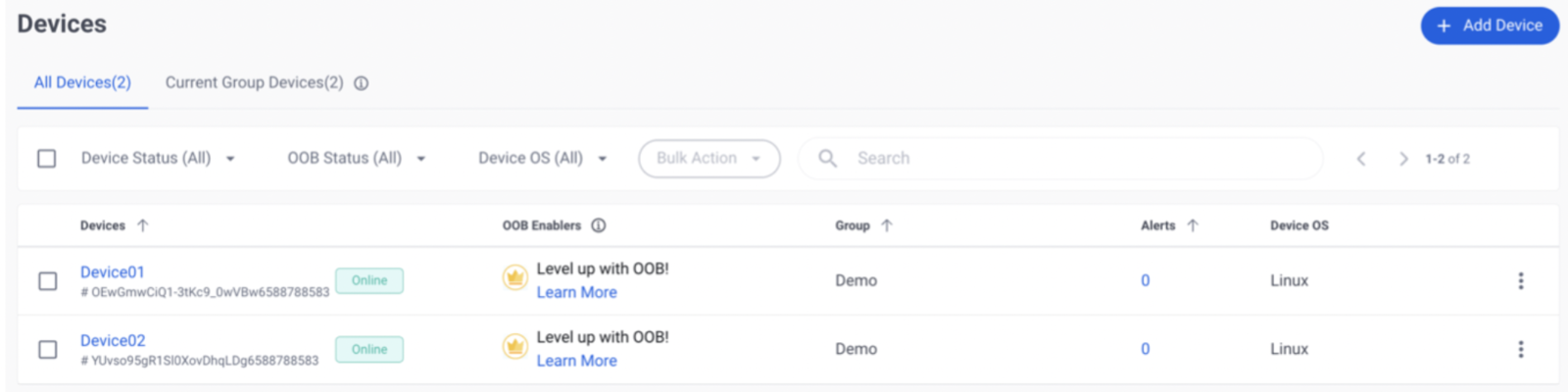
- Pair Your Device: Follow the instructions to add your device to Allxon Portal.
Allxon OTA Deployment
To perform an OTA deployment, ensure you have your updated Impulse deployed as a Docker container from Edge Impulse.Steps to Deploy
- Generate OTA Artifact: Use the Allxon CLI to generate the OTA artifact.
- Deploy OTA Artifact: Follow the Deploy OTA Artifact guide to complete the deployment.
Example Scripts
Below are example scripts to help you set up the OTA deployment.ota_deploy.sh
install.sh
-it option has been removed from the Docker command to avoid an error related to the lack of standard input during deployment.
An & has been added to the end of the Docker command to send the process to the background.